Free Cad App For Mac
AutoCAD WS allows you to view, edit and share your design files with AutoCAD® WS for Mac® app. AutoCAD® WS for Mac® is a simple and free* CAD application that enables you to view and edit DWG TM and DXF TM files. Like the popular AutoCAD WS mobile app, AutoCAD WS for Mac app offers a basic, intuitive set of viewing, editing, and markup tools to work on your designs. Open your files in AutoCAD WS for Mac app and upload them to your online account to sync them with your AutoCAD WS mobile app so you can take them with you on the go.
Click to expand.No, I looked at one of the sheets in a workbook. Star Office's spreadsheet does work reasonably well though despite these glitches. Saves and loads to.xls format pretty robustly too, though my only formulae were utterly trivial. Cheers, Chris. How to find out how big a file is.
Best Free Cad For Mac
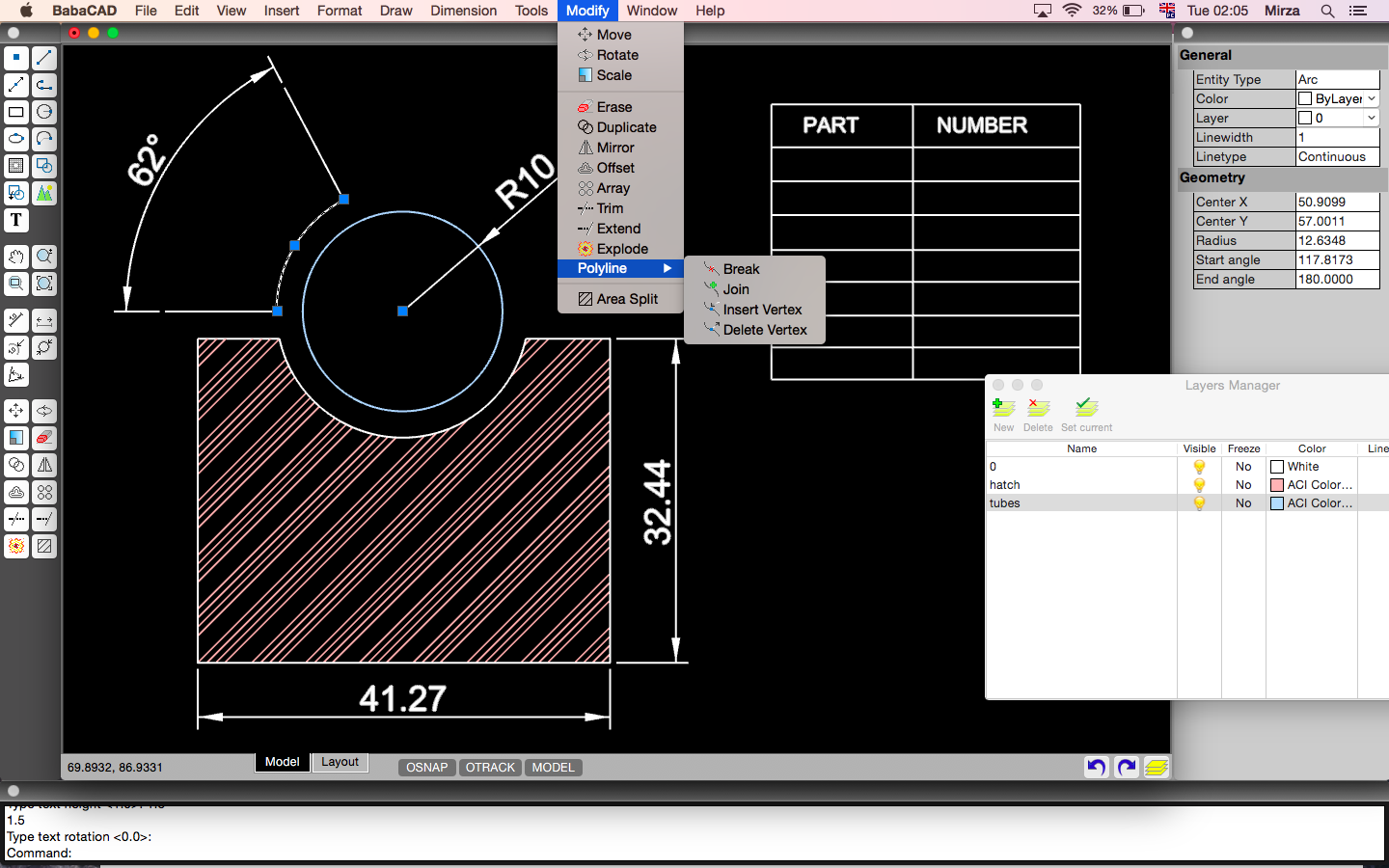
Free Cad Software For Machining
AutoCAD for Mac Free Download: AutoCAD for Mac is the excellent graphics designing application for your Mac PC. E-reader for mac. Download AutoCAD for Mac Free. AutoCAD for Macbook is the best app, which is fully-featured for OS X CAD solution that specially designed for 2D and 3D computer aids and drafting. The best Mac landscaping software we found was Punch Landscape Design for Mac. This program is easy to use, has a great selection of samples for inspiration and includes a sizable object library. This program is easy to use, has a great selection of samples for inspiration and includes a sizable object library. One of the biggest benefits of SmartDraw over traditional CAD software is that you can use SmartDraw on your computer, browser or mobile device—Windows ®, Mac ®, Android ®, iOS ®, or any other platform with an internet connection. There are certainly many simple drawing apps for Mac out there – free and paid alike. I wrote this list based on a cursory focus on the applications’ imitation of real-life drawing experience, availability of tools, simplicity, flexibility, and interface.