How To Get Pdf For Mac
Have you downloaded or synced many PDF files to iPad, and are wondering how to transfer the files to Mac or PC for backup? It is no secret that everyone knows it is easy to sync PDF files from your Mac/ PC to iPad using iTunes.
But, what about backup PDF files from iPad to Mac or PC? It is quite frustrating to see that Apple makes it easy to transfer files from Mac to iPad via iTunes, but they don't have an option to backup PDF files from iPad to Mac/PC. There is no doubt that iTunes is a great app, and it comes with strong protection to protect copyright and authority. Microsoft publisher 2016 for mac. This makes it impossible to transfer data from iPad to Mac/ PC via iTunes. The question on most people lips is: how to backup PDF files from iPad to Mac/ PC? This article will show you every option you can take to transfer/ backup PDF files from iPad to PC and Mac (including the latest macOS 10.13 High Sierra). How to Transfer/Backup PDF from iPad to Desktop 1.
Backup/Transfer PDF from iPad to PC It doesn't matter whether your iPad or iPhone is jailbroken or not. This method can be used to backup PDF files from these devices (iPad and iPhone) to your Mac computer or Windows computer.
Update for microsoft office 2011 for mac. To achieve this, you will need to use iFunbox as your iOS tool to manage PDF files on iOS. This iOS tool makes it quick and easy to export PDF files from iPad and iPhone to Windows and Mac computer. Make sure you download and install this app on your computer before proceeding.
How can the answer be improved? This means Save to PDF is widely available across many iOS apps, and even more Mac apps. The concept of Print to PDF began on the desktop and macOS exposes the feature relatively prominently. The PDF plug-in probably worked fine until a couple of years ago, when Apple released a new, PDF-friendly version of Safari (version 5.1, to be precise) that doesn’t play nice with older versions of the Adobe plug-in (specifically, anything older than version 10.1.3). Right-click on the PDF files you want to backup. Then select the Export option and the folder to save the files on your Mac computer. Backup/Transfer PDF from iPad to Mac with iBooks and Mail With this option, you will need the iBooks app so that you can transfer PDF files from your iPad to your Mac computer. PDF Expert is the best PDF writer for Mac. You can easily edit text, images and links. It will automatically detect the font, size, and opacity of the original text, so you can make edits easily.
Once you have downloaded and installed iFunbox, connect your iPhone or iPad to your Mac/ PC and then start the app. Once the devices are connected, you will detect a file list on the right-hand side of the iFunbox. When you click on the File Browser button, you will see the iBooks option. Click the iBooks list so that you can see all the PDF files and books on your iPhone or iPad. Now you can choose the PDF files you wish to backup. Setting on mac for email. To do this, hold or drag shift and click to choose the PDF files to back up. The next thing you should do is right-click on the PDF files, then select copy to Mac/ PC, and the folder to save the PDF files on your computer.
Backup/Transfer PDF from iPad to Mac with iTools for Mac This second option requires you to download and install iTools for Mac. Once you have done that, connect your iPad or iPhone to your Mac computer then start the iTools app. On the iTools interface, click the Books button so that you can see all your PDF files and books. Right-click on the PDF files you want to backup.
Then select the Export option and the folder to save the files on your Mac computer. Backup/Transfer PDF from iPad to Mac with iBooks and Mail With this option, you will need the iBooks app so that you can transfer PDF files from your iPad to your Mac computer.
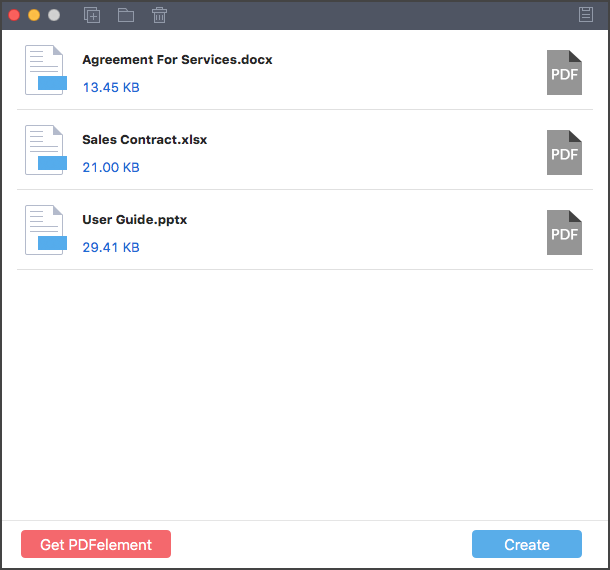
Adobe Pdf For Mac
The iBooks is a tool that is easy to use and can be used to download ebooks to read from your device. This app is developed by Apple and can be downloaded from iTunes. The iBooks allows you to send downloaded PDF files to your email.