Sharepoint Calendars In Outlook 2016 For Mac

You’re probably already familiar with Outlook as the app you use to keep track of all your email and appointments. And if you’re a power user, you might even use it to keep track of tasks, RSS feeds, contacts, and more.
(voiceover)In Outlook for Mac 2016, there's no need to create each and every appointment using a form. You can quickly create new appointments from existing appointments.
Buying microsoft products for a mac. Lots of Mac users depend on Office to get their work done, and that's unlikely to change. Microsoft's note-taking app is a decade old, but it's not available in Mac native form, leaving the market wide open for competitors like Evernote to dominate. A well-integrated Mac and iPad Microsoft Office ecosystem would certainly be fierce competition for Apple, which is still in a rebuilding year after gutting the iWork apps to get them to work more seamlessly across iOS and OS X. Another piece of the puzzle: Microsoft may in the next few weeks. Office remains one of the best selling software packages for the Mac.
But it turns out Outlook does a lot with SharePoint, too. It’s just not blatantly obvious. You can access pretty much any list or library that lives in SharePoint directly from Outlook, without having to go to SharePoint through your browser.
And the content automatically updates whenever you return to Outlook. I know people who basically live their entire work life in Outlook because they’ve integrated it so well with where their online content is. So let’s show you how to do that. It’s actually quite easy.
Why “Connect to Outlook” is useful This is one of those things that once you start using it, you’ll likely use it a lot. Big picture-wise, you can connect any SharePoint list or library to Outlook.
But some types are more useful than others. The way the connect to Outlook feature works is it hosts your list or library of choice as a mailbox in your inbox. When something new is introduced (whether a new item/document or change to an item/document), the item/document will become bold and the bold number will show up next to the name of the list/library just like it was an email coming into your inbox. It’s actually a stroke of genius, if you ask me. It’s another way to get passive notifications that things in your life are changing. Connect to Outlook is an alternative to on a file or library.
Below are a few specific examples where it can be really useful. SharePoint calendars Connecting is probably the most obvious and useful way of getting the most out of Connect to Outlook. Browse to the calendar and hover over the ribbon.
Click the “Calendar” tab, then click “Connect to Outlook”. (See screenshot way below.) Outlook may hit you with a warning pop-up. Accept whatever it says and soon your calendar will be shown side-by-side with your personal appointments. The thing about calendars is they don’t create or store appointments. They’re basically electronic versions of a physical calendar you’d hang up on your desk.
Banktivity 6 vs. 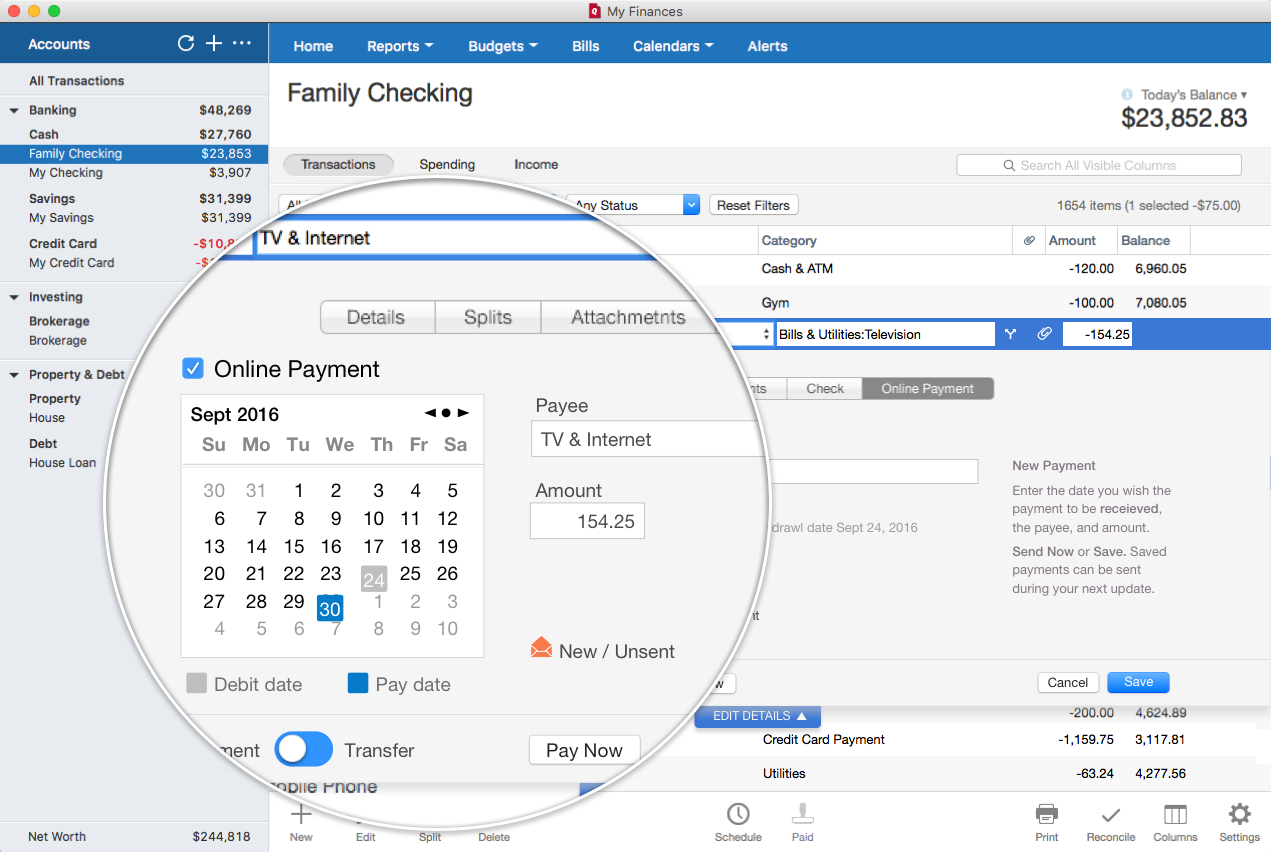 Quicken 2015 for Mac 'Quicken for Mac 2015. A better choice than the new Quicken for Mac.' Doesn’t have all the features other personal finance software programs for Mac have, like Banktivity.
Open Sharepoint Calendar In Outlook
But it’s useful to take this calendar and overlay it on top of your appointments to see how that calendar lines up with your appointments. You can subscribe to many more calendars if you’d like, then overlay them all to see how everything interacts. Document libraries Keep track of the files in your favorite document library by connecting that library to Outlook. There are a couple cool things that come with connecting a document library to Outlook: • The files will be listed as “unread” when you first connect the library. This can be annoying because you may want to know when changes occur. So I suggest marking them all as read once you’ve finished connecting the library.
Now, whenever any changes are made in any files, the file will become bold, the library will get a +1 after its name in the mailbox list, and it will appear to you that you have a new email. You don’t, really, but you do have a passive notification that something changed in a file that you care about. • Outlook provides a live preview of the document in the message pane. The preview functionality is supported for Word, PowerPoint, and PDF files. Excel files are too complex, so it’s not offered. • Outlook syncs the files from your library onto your computer so you can view it offline.