Where Is The Word Count On Pages For Mac
There is no built-in provision for that type of information because there is no such element as a page in the structure of a Word document. Adobe dreamweaver cc trial for mac crack. Pagination is imposed for print purposes only & all Word tracks in that regard is how many sheets of paper are required to print the document based on volume/nature/formatting of content & layout specs at the time. Microsoft developed the UI to display documents on metaphorical pages because that's what users wanted to see, but it's for viewing purposes only. Once the document is finalized you can select passages, & observe the word count indicated in the Status Bar or the Word Count dialog window, then record that count manually.
That all depends on the word processor, can't read your mind from here. I have one in which command-i gives the char/word/line count, should be in your editor's menus, rather than the system. One of Microsoft Word’s more useful features is a live word count (shown in the status bar at the bottom of the window). When you’re editing a document, this word count shows you exactly where.
Office 365 customers get the new Office for Mac first. You’ll have Office applications on your Mac or PC, apps on tablets and smartphones for when you're on the go, and Office Online on the web for everywhere in between. Is word available for mac. Today, we are announcing the general availability of Office 2019 for Windows and Mac. Office 2019 is the next on-premises version of Word, Excel, PowerPoint, Outlook, Project, Visio, Access, and Publisher.
When looking at AutoCAD for Mac, one or more of the tool palettes, tool sets, or status bar windows are missing or display incorrectly. Do one or more of the following: Look under the Window menu in AutoCAD and verify that the palette in question is not turned off. 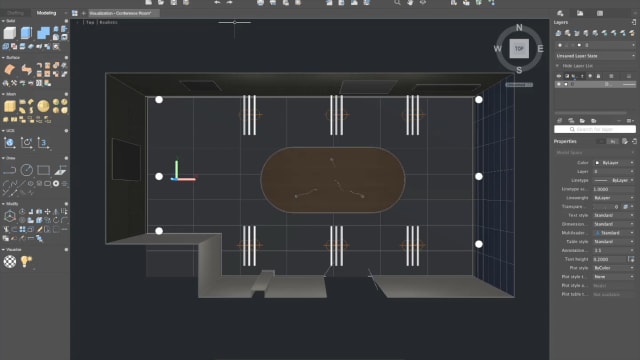
Anything other than that would require some sort of VBA procedure. I've seen some attempts at this sort of macro but nothing effective enough to recommend.
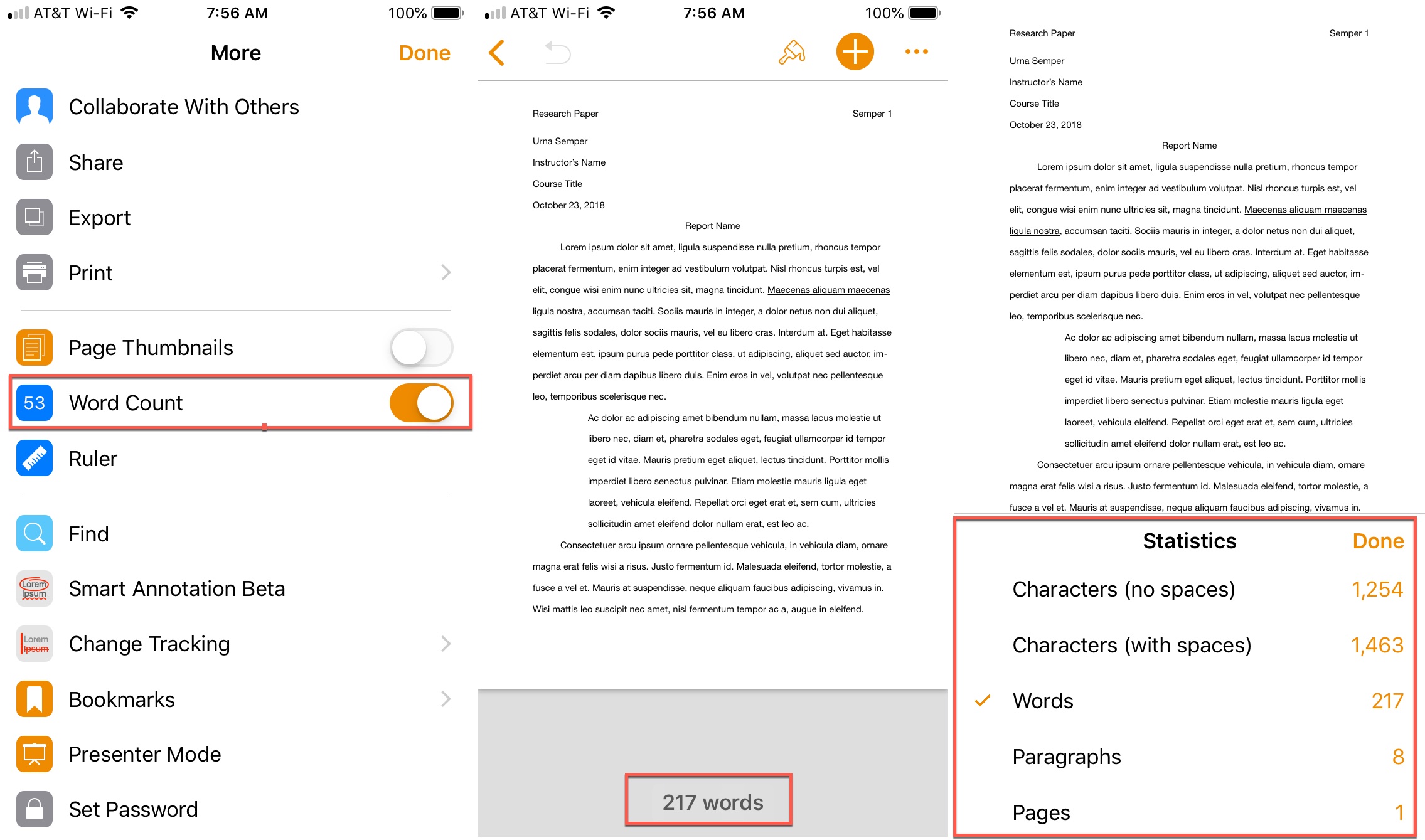
Apple Pages Show Word Count
Either way, keep in mind that any changes to the flow of the document (margins, font size, character formatting, paragraph formatting, paper size, etc.) - not just adding or deleting text - most likely will change that count. Please mark HELPFUL or ANSWERED as appropriate to keep list as clean as possible ☺ Regards, Bob J.