Kindle For Mac Document Files In Cloud
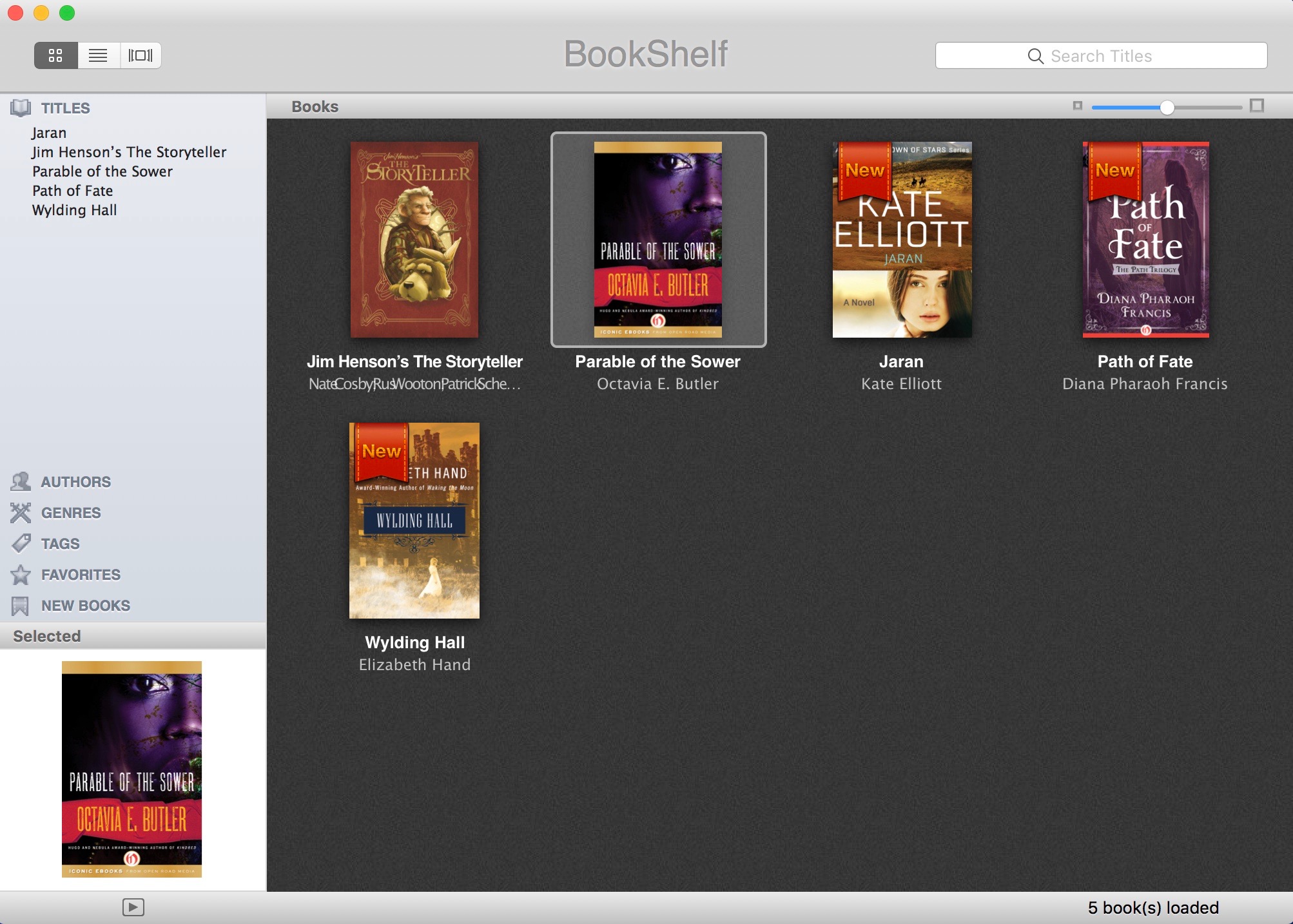
Mac free hfs+ program for pc. On a Mac, I don't know for sure, but on a PC, it is folder in My Documents called 'My Kindle content', so I am willing to bet that a search of your hard disk for 'kindle' might find the right folder. Since I am using the Mac version of the Kindle app, I thought it would be a breeze to first highlight the section I wanted, then a menu pops up with four choices, one of which is “Copy.” The copy command under the File menu is disabled, and so is the keyboard shortcut ⌘-C.
Word For Mac Document Sections
If you want to read Kindle files on your Mac or Windows PC, the best way to do is to convert Kindle to PDF format that supported by most e-readers. 'How do I convert Kindle book to PDF?' Here are 11 best ways for converting Kindle to PDF. 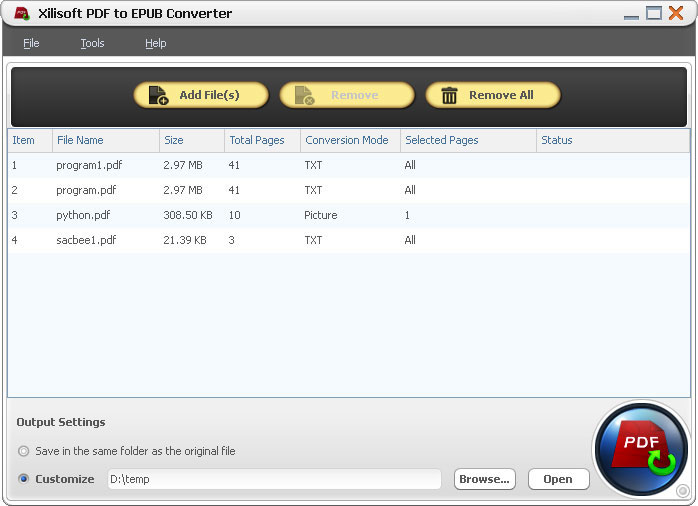 EPUB is one of the formats that Kindle supports.
However, if you want to print Kindle eBooks on your Mac, there is no print option available. In such case, you can convert Kindle EPUB to PDF to solve it, for PDF can well keep the layout and original file format after the conversion. You can just read on this guide to learn tips on how to convert Kindle to PDF on Mac (macOS 10.14 Mojave) or Windows. • • Part 1: The Best Kindle to PDF Converter, for Mac and Windows #1. Convert Kindle eBook to PDF with iSkysoft PDF Editor 6 Professional.
See You cannot open a shared calendar in Outlook 2016 for Mac for instructions. In the Search box, type the name of the person who has granted you access to their calendar, and press Enter. Select their name, and click Open.  SharePoint Calendar in Outlook for Mac Is Microsoft working on making it possible to open SharePoint calendars in Outlook for Mac and/or iPhones. It has been a long time coming. 90% of my organization use Macs and I am tasked to develop solutions in SharePoint - I feel like my hands are tied!
(or iSkysoft ) can be the best Kindle EPUB to PDF converter for Mac (macOS 10.14 Mojave) to turn the process of Kindle to PDF conversion on Mac easier and safer. Apart from helping you to convert Kindle to PDF, this program will also enable you to create PDF files from a variety of formats including HTML, Webpages, Text files, and more. It is also possible to merge many files or existing PDF files into one PDF file. Only 3 steps are needed to convert Kindle to PDF: • Launch the Kindle to PDF converter. • Import Kindle EPUB to the PDF converter.
This image based messaging application can be used on your Smartphones as well as desktops. How to connect bluestack with android studio for mac.