Pdf To Pages Converter Free Download For Mac Ocr
In order to provide the best platform for continued innovation, Jive no longer supports Internet Explorer 7. Please consider upgrading to a more recent version of Internet Explorer, or trying another browser such as Firefox, Safari, or Google Chrome. Jive will not function with this version of Internet Explorer. Malwarebytes for mac review.
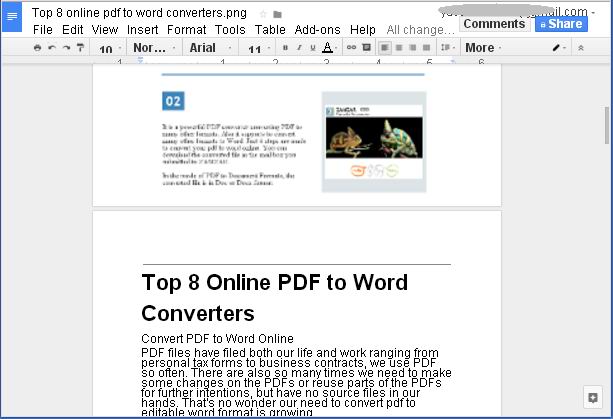
Enolsoft PDF Converter with OCR is an efficient tool that works for your convenience and is wholly suited to get the contents from the scanned PDF or image as well as native PDF files. It enables you to convert PDF to totally 15 document formats, including.pages,.key,.pptx,.doc,.docx,.xlsx,.epub,.html,.text,.rtfd and 5 image formats. Free OCR converter - Renee PDF Aide supports convert PDF into editable Word, Excel, PowerPoint, HTML, Image and TXT. This freeware is equipped with free OCR function which can improve the quality of the conversion. Enolsoft PDF Converter with OCR 6.1.0. Finding my templates in microsoft word for mac. Enolsoft PDF Converter with OCR for Mac can help you easily convert native and scanned PDF to Word, Excel, PPT, Keynote, Pages, HTML, EPUB, Text, Rtfd, Images and etc. Free OCR converter - Renee PDF Aide supports convert PDF into editable Word, Excel, PowerPoint, HTML, Image and TXT. This freeware is equipped with free OCR function which can improve the quality of the conversion. PDF OCR X is a simple drag-and-drop utility that converts your PDFs into text or searchable PDF documents. It uses advanced OCR (optical character recognition) technology to extract the text of the PDF even if that text is contained in an image.
Cisdem PDF Converter OCR is a tool for converting PDF files to a number of formats, and it can convert other file formats to PDF as well. It can convert normal or scanned PDF files by using OCR (optical character recognition). It has a straightforward user interface, with two options accessible by clicking one of the top buttons. One for converting PDF files and other for creating PDF files from other file formats.
You can drop multiple files to convert or create PDFs onto the interface. When converting PDF files you can convert all pages or choose a range of pages per file. You can also choose to enable OCR, select a language or multiple languages to be used for OCR, and also choose an output format. Output format can be Word, HTML, image or a number of other formats.
Other option is to create PDF files from a number of formats, such as images, Word files, HTML, Excel and others. Here you can also choose to convert whole files or only a range of pages, and choose an output format. Additionally, you can choose to merge multiple files into one PDF. Cisdem PDF Converter OCR also includes a possibility to convert encrypted PDF files, by removing the user password. This allows you to edit, copy text, or print PDF files that you otherwise wouldn't be able to. When creating PDFs, it also allows you to set password as well as size and quality of output files.
Enolsoft PDF Converter with OCR 6.1.0 macOS 358 mb Enolsoft PDF Converter with OCR for Mac can help you easily convert native and scanned PDF to Word, Excel, PPT, Keynote, Pages, HTML, EPUB, Text, Rtfd, Images and etc. No matter you want to analyze data, report work to your boss, or have a meeting with your colleague, it can be your great partner. With PDF converter OCR for Mac, you can batch add and convert PDFs to the format you want without quality loss, then you can copy the information freely. Put simply, PDF Converter OCR for Mac helps you work better, smarter, and faster.