Quicken For Mac 2015 Will The File Work In Windows
Depending on the Quicken version, you can convert your Quicken file directly to QuickBooks Desktop or use the Quicken Converter to upgrade your file first. Learn more about the conversion process below and get started with your switch to QuickBooks.
- Quicken For Mac 2015 Will The File Work In Windows 7
- How Does The File Work On The Iphone
- Quicken For Mac 2015 Will The File Work In Windows 10
Quicken For Mac 2015 Will The File Work In Windows 7
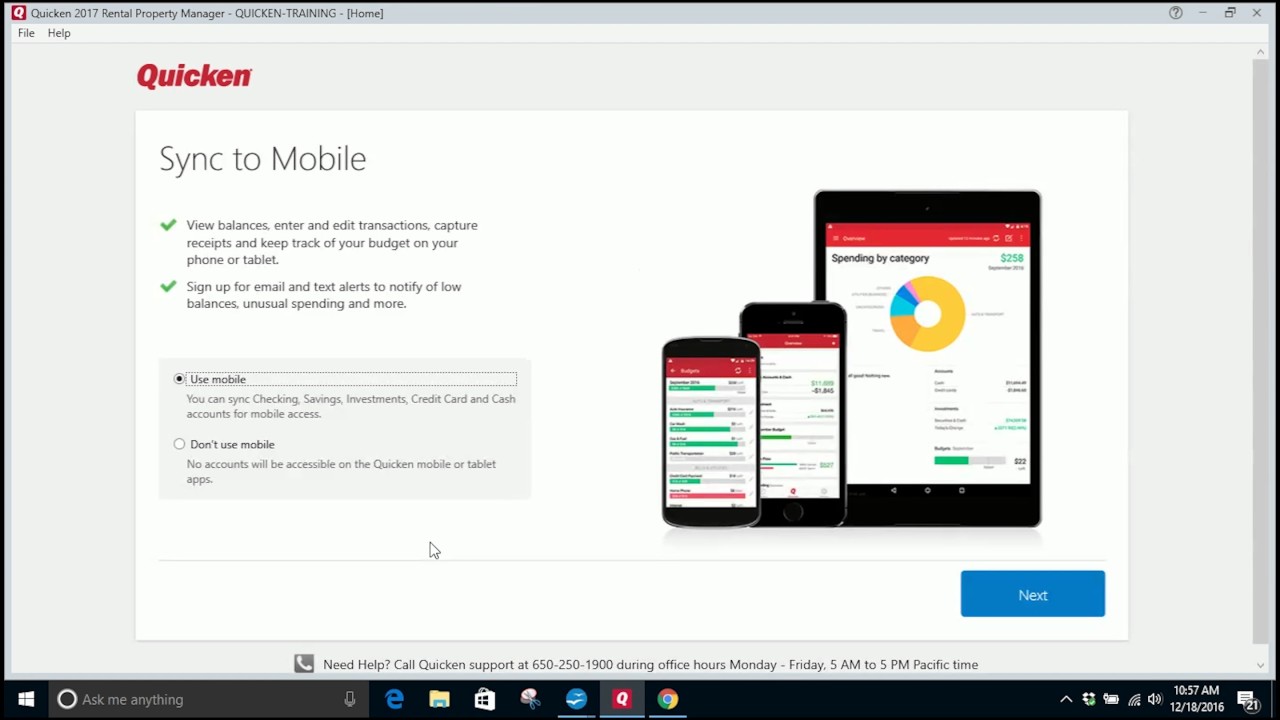
While in Quicken, click File in the menu. Click File Operations. Click Find Quicken Files. From here, you can search for all Quicken files or specify a specific Quicken data file name. You can also select the device to search if you save your Quicken data files somewhere other than your hard drives. Quicken will open normally, I log in normally, after log in the screen turns white with the wait symbol. In windows 7 the file will open after a few seconds. In Windows 10 the file never opens. Windows 10 update issues causing compatibility issues as Quicken does not recognize that I am the Administrator. Updated Windows 10 today but can not open my Quicken QDF file. Free christmas email template. Ed Levy, 1 day ago.
How Does The File Work On The Iphone
When to use Quicken Converter • You only need to use the Quicken Converter if you are migrating from a Quicken version that is NOT a parallel version of your QuickBooks Desktop (e.g., Quicken 2016 to QuickBooks Pro, Premier, or Enterprise 2019). • You can skip using the Quicken Converter and convert directly to QuickBooks using the Conversion Utility, if you have a version of Quicken that is a parallel version of QuickBooks Desktop (e.g., Quicken 2019 to QuickBooks Pro, Premier, or Enterprise 2019). • Quicken for Mac: The Quicken Converter, and the Conversion Utility in QuickBooks, cannot convert Quicken for Mac data file. If you have Quicken for Mac, convert your data file first to Quicken for Windows or create a new QuickBooks company file instead. Convert from Quicken to QuickBooks Use the Quicken Converter. Before using this tool, make sure you do not have another version of it installed.
What is the best pdf creator for mac. If you do, uninstall it from your computer and download the right one below. • Download the version of converter tool that matches the year version of your QuickBooks Desktop. • • • • • Install and convert.
Quicken For Mac 2015 Will The File Work In Windows 10
• Launch the downloaded Quicken Converter, then choose Next. • Select I accept the terms in the license agreement, then choose Next.
• To start the installation of the Quicken Converter, select Next, then Install. • Select Launch Quicken Converter, then Finish. • Choose I am transferring data from Quicken for Windows, then select Get Started. • Select Open a data file located on this computer, then Select File. • Browse to select your Quicken file (.QDF) file and select OK. • Select Convert it!, then select OK. • To save your new Quicken Data File (.QDF) file, select Save, then select Exit.